Help desk · Available now
Keystone DeskThe help desk that runs on the Microsoft 365 you already have.
A modern ticketing system for your internal teams. Requests come in by email or the web portal, get routed to the right person, and get resolved, without anyone learning a new login.
See Keystone Desk in two minutes
A quick tour of how requests come in, get routed and get resolved.
Take a look inside
Real screens with sample data. Pick a tab to see each part of Keystone Desk.
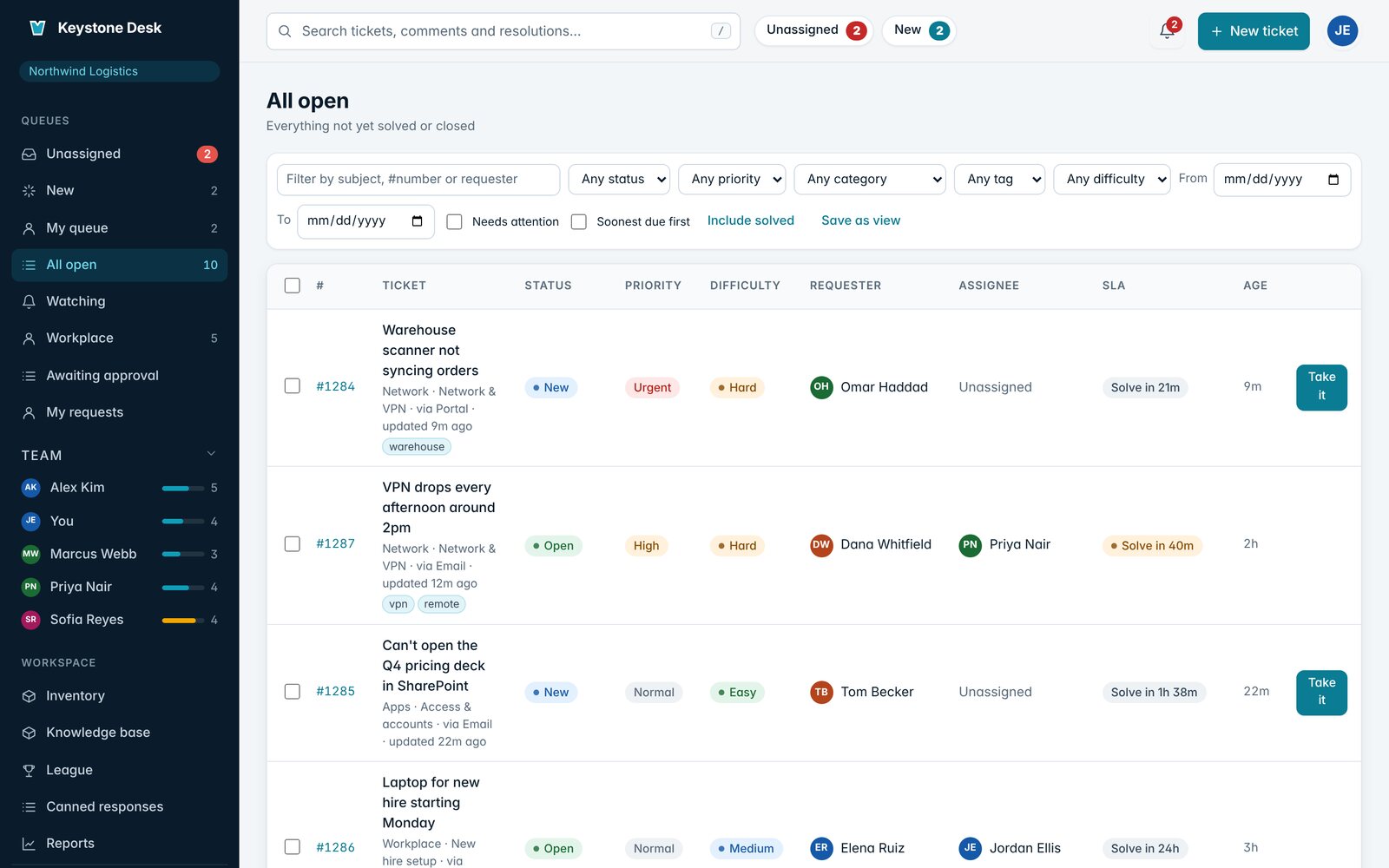
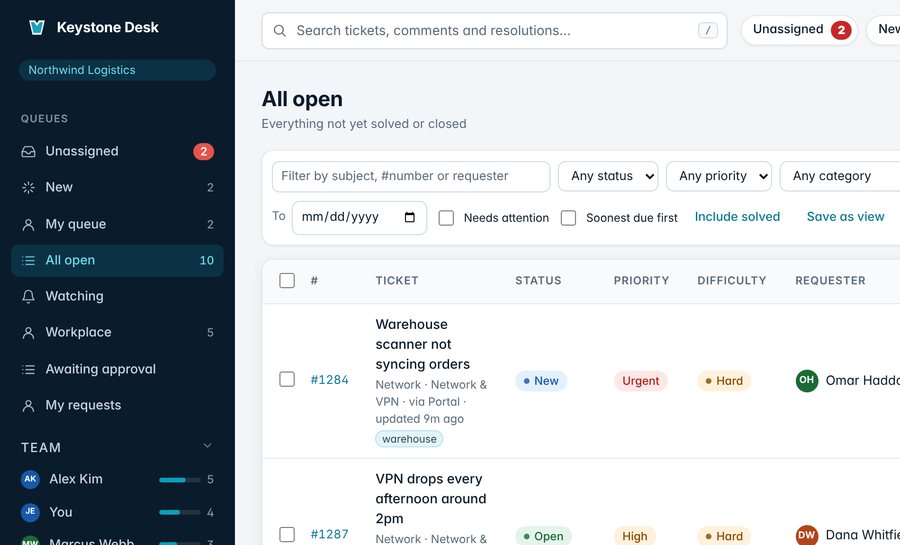
Every request in one place
Queues for unassigned, new, and your own work, with SLA timers, priority, and difficulty at a glance.
Why teams pick Keystone Desk
- 01
No new passwords
People sign in with the Microsoft work account they already have. Your MFA and sign-in policies apply.
- 02
Nothing slips
Every email and portal request gets an owner and an SLA clock, and queues show what is about to breach.
- 03
Fewer tickets, faster answers
Help articles are suggested while people type, and Underhill AI drafts replies and summaries for agents from your own articles. Agents always review before anything is sent.
- 04
A team that shows up
The Keystone League turns hard tickets into points and badges, with a workload board for fair assignment.
Try it yourself
Open a ticket, take it, reply and resolve it, just like your team would.
- Open a ticket
- Take it
- Reply
- Resolve it
Unassigned
Pick a ticket from the queue to open it here.
A simplified, clickable preview with sample data. Nothing you do here is saved.
Everything included
The highlights from each area. Open the full list for everything.
Sign-in and email
- Sign in with Microsoft work accounts (Entra ID), no new passwords
- Connect your Microsoft 365 help desk mailbox: emails become tickets
Working tickets
- Queues, filters, saved views, and bulk updates
- Quick view, internal notes, and canned responses
Set up your way
- Categories and request forms with custom fields
- Automations, plus round-robin or least-loaded assignment
Beyond the ticket
- IT inventory, updated when a ticket is resolved
- Knowledge base that helps people solve it themselves
Simple pricing, by agent
One price for your help desk, based on how many agents work tickets. Everyone who raises tickets is free.
First 3 agents
$59 a month, for up to 3 agents
Email to ticket, a portal and a knowledge base, on your Microsoft 365.
Each extra agent
$25 an agent a month
From the 4th agent on. Add or remove agents any time.
- Requesters, the people asking for help, are always free
- Month to month, cancel anytime
- Prices in USD
See it with your own team's workflow.
Book a live demo and an engineer will walk you through Keystone Desk, set up the way your help desk works.